
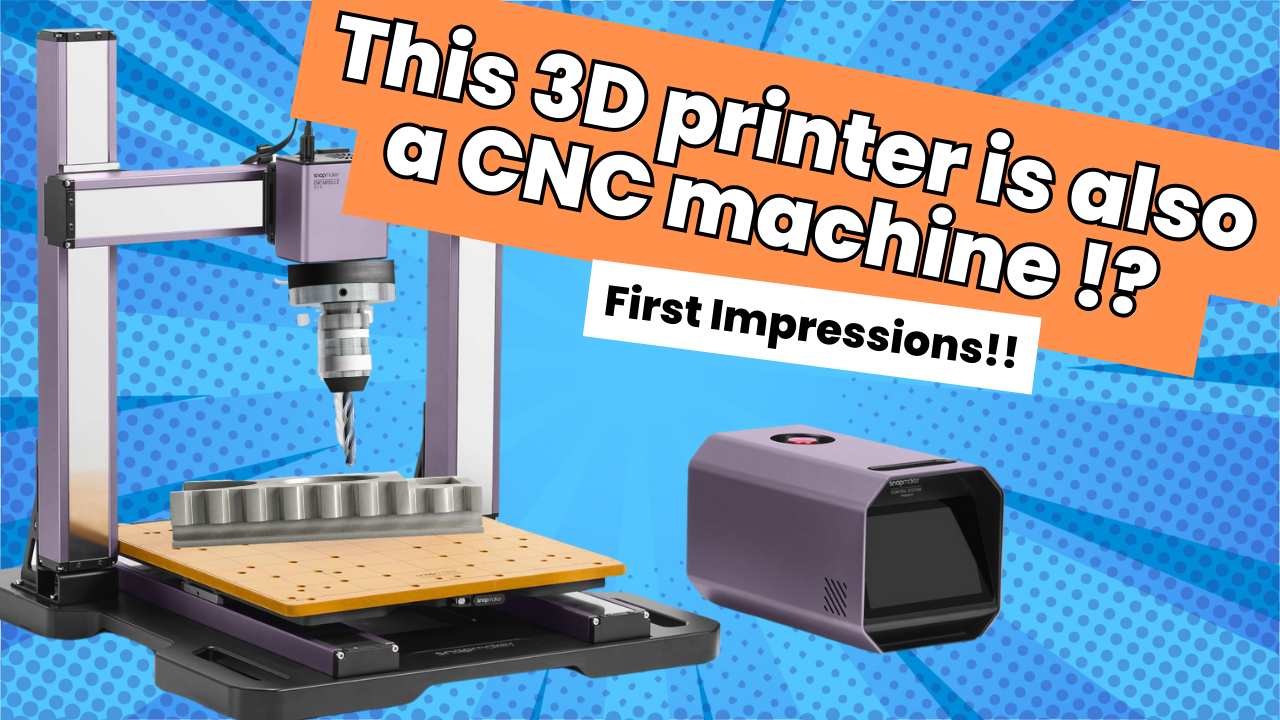
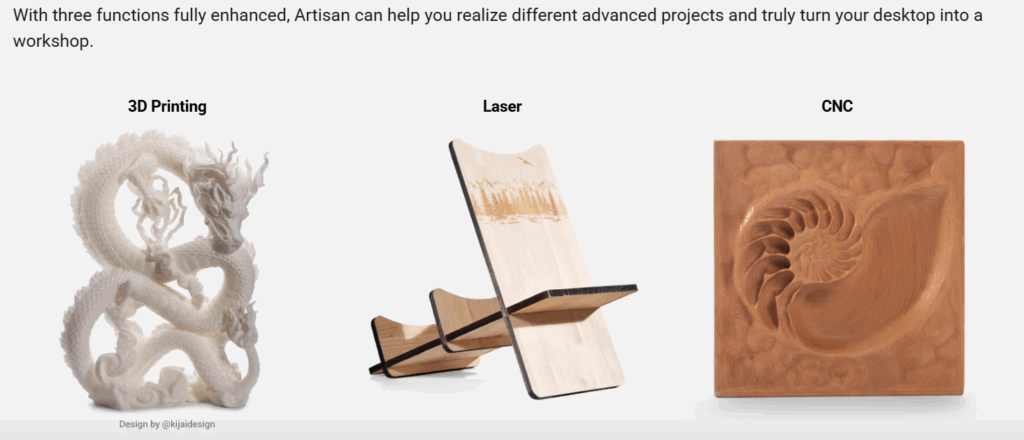
When you hear “Snapmaker,” you probably first think of 3D printing, but this powerhouse device goes way beyond that. My Snapmaker Artisan is a versatile 3-in-1 machine featuring a CNC module, a laser engraver, and a 3D printer, all of which can be swapped quickly thanks to its quick-change mechanism.
Watch the video review here 📺
What Is Additive vs. Subtractive Manufacturing?
Let’s start with the core concepts:
- Additive Manufacturing (a.k.a. 3D printing) builds objects by adding material layer by layer, guided by 3D models. It’s highly efficient, minimizes waste, and enables complex geometries that are hard, or even impossible to produce with other methods.
- Subtractive Manufacturing, which includes CNC machining, works the opposite way: it removes material from a solid block typically by cutting, milling, drilling, or engraving, to reveal the final part. It’s ideal when tight tolerances and reliable finishes are required.
Why Use CNC When You Can 3D Print?
On my Snapmaker, switching from 3D printing to CNC wasn’t just about novelty, it had practical advantages:
- Speed: My first CNC job ran in 9 minutes, far faster than printing the same design in plastic.
- Messiness & Waste: Yes, CNC creates chips and offcuts, but consider that 3D printing, despite its reputation, also generates failed prints and support waste. Each method has its own kind of debris.
- Finish & Precision: CNC parts typically come out smoother and with higher precision, no sanding or layer lines typical of FDM prints.
- Material Variety: CNC can cut from plastics, woods, and even soft metals, while desktop 3D printers usually stick to plastics like PLA, ABS, or PETG.
My First CNC Adventure
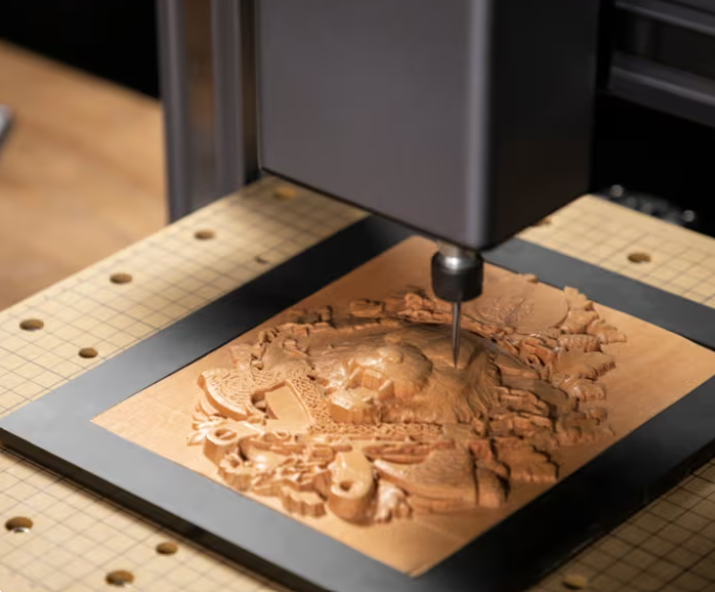
Here’s how the process unfolded:
- Marked the origin on my material and secured it with clamps.
- Ran a quick calibration, similar to bed leveling on older 3D printers.
- Let out a silent prayer that the high-speed metal spindle wouldn’t crash into anything. Thankfully, the emergency stop provided peace of mind, so tempting to push, but a necessary safety feature!
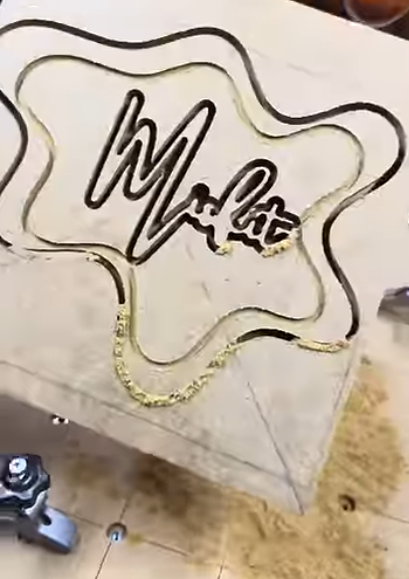
- Watched in amazement as the CNC job finished in just 9 minutes.
- Gave the result a quick paint job and added some e-wiring into the lettering. Voilà, a neon “Misfit” sign emerged. It’s not obvious at a glance, but I know what it says, and that’s what counts.
Why This Matters for Makers
| Terminology | Why It Matters |
|---|---|
| Additive Manufacturing | Minimizes material waste; ideal for complex shapes |
| Subtractive Manufacturing (CNC) | Fast and precise; great for durability and finish |
| Quick-Swap Mechanism | Seamlessly switch between functions on one machine |
| G-Code & CAD/CAM Workflow | Universal language across additive and subtractive tools |
| Waste Comparison | CNC chips vs. 3D print supports, each has a “mess” angle |
| Safety Features | Emergency stop = maker peace of mind |
What Should We Make Next?
So I’ve unleashed CNC mode and created a neon-inspired Misfit sign. What should be our next project? Let me know down below and check out some more blogs on the Snapmaker!
Some of the links in this post are affiliate links. This means if you click through and make a purchase, I may earn a small commission at no additional cost to you. I only recommend products I use and love, and your support helps me keep creating content like this. Thank you!